
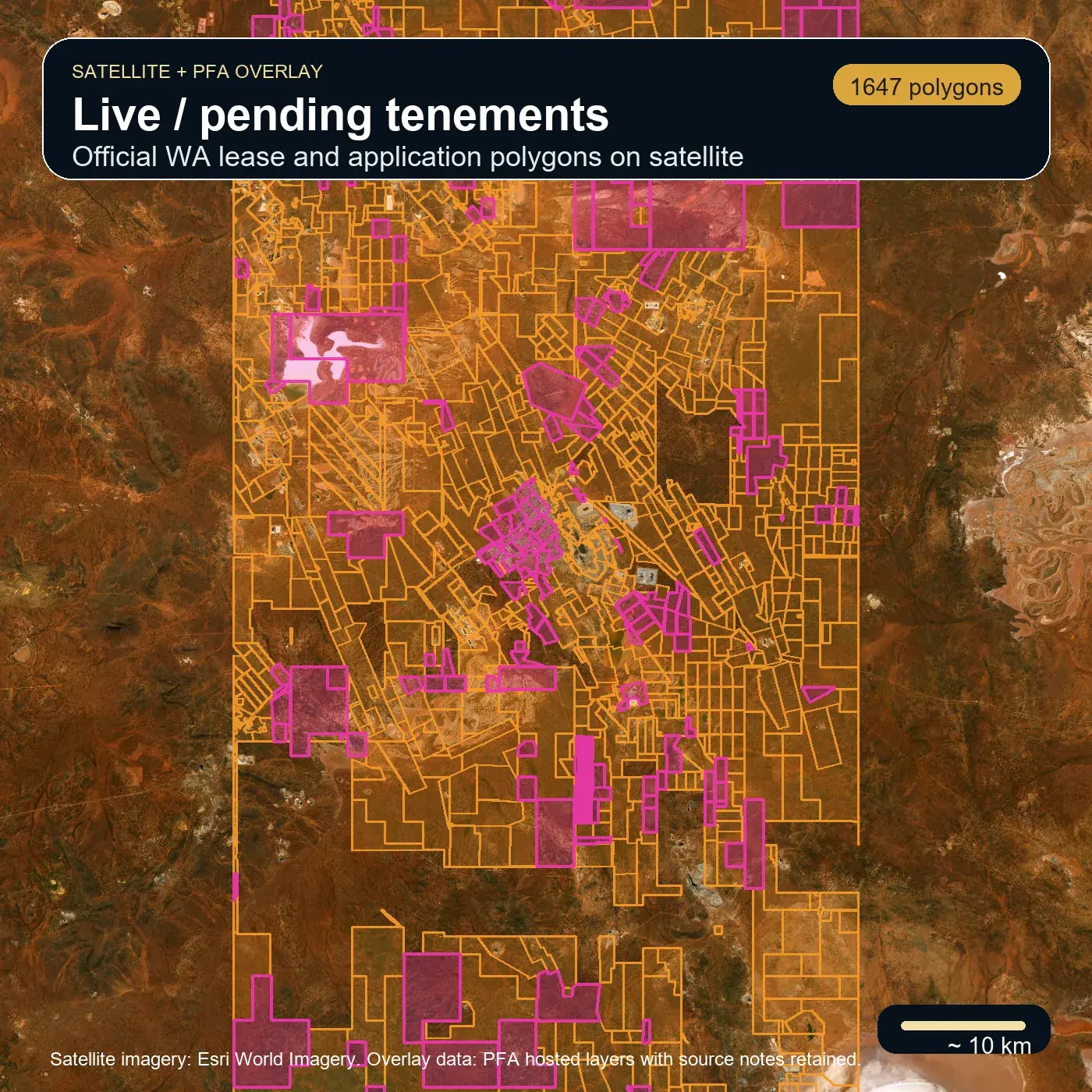
WA official access
Live and pending tenements
Lease and application polygons sit above satellite so users can check access context before chasing a target.
Feature overview
Prospector's Field Assistant is designed as a detector-first field platform, not a stack of disconnected feature tiles. The goal is simple: help detectorists make better decisions before the sweep, during the hunt, and after the signal with grounded AI assistance instead of guesswork.
What the AI helps you do
Map intelligence
PFA stages the useful evidence in a practical order: access first, then geochemistry, structure, drill context, targets, and terrain. The point is to help users see what matters without asking them to read raw government tables in the field.
Licence-sensitive layers stay in source review. Live product layers use sources we can explain and attribute clearly.
WA official access
Lease and application polygons sit above satellite so users can check access context before chasing a target.
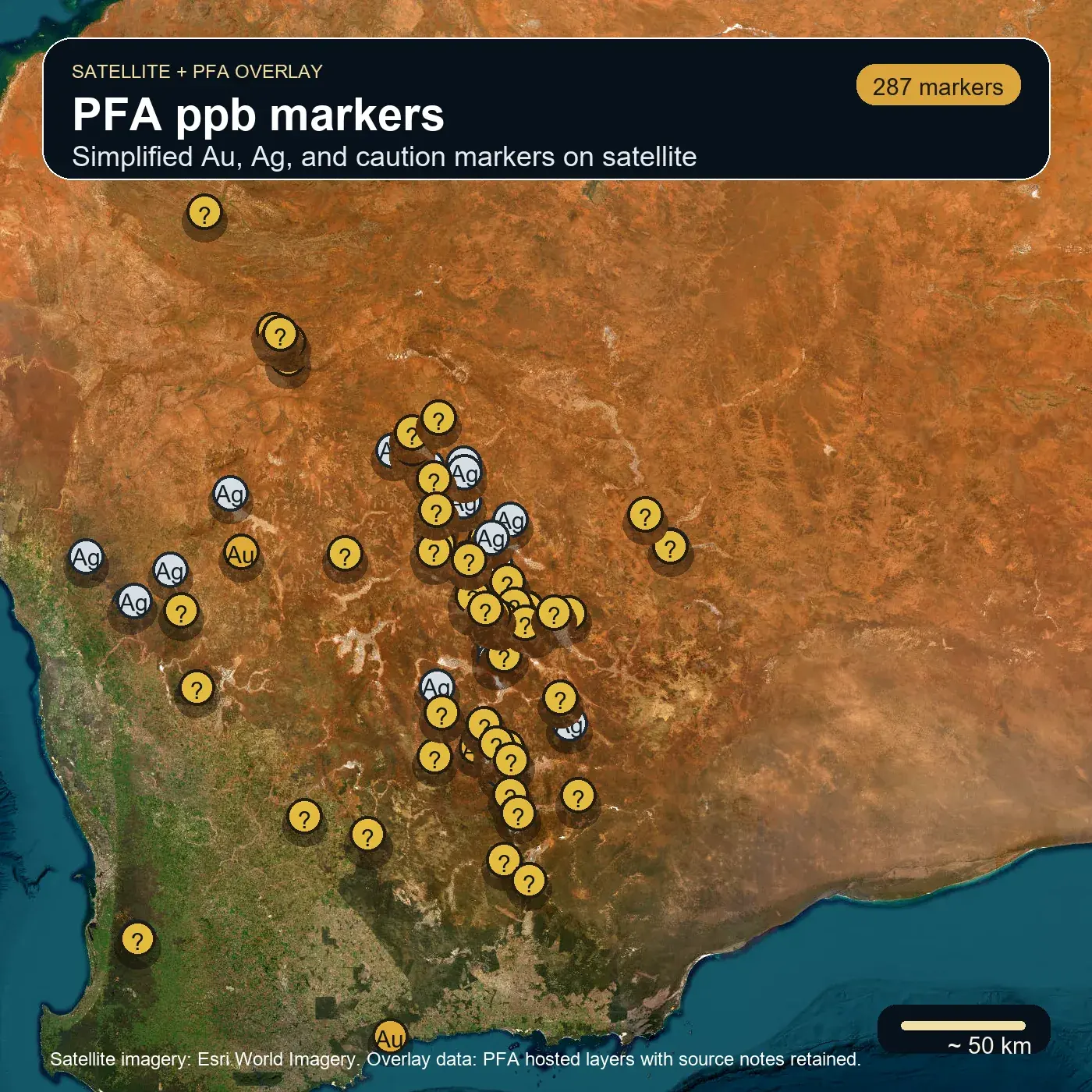
WA geochemistry
Government soil points can be simplified into field-readable Au, Ag, and watch markers without hiding the source story.
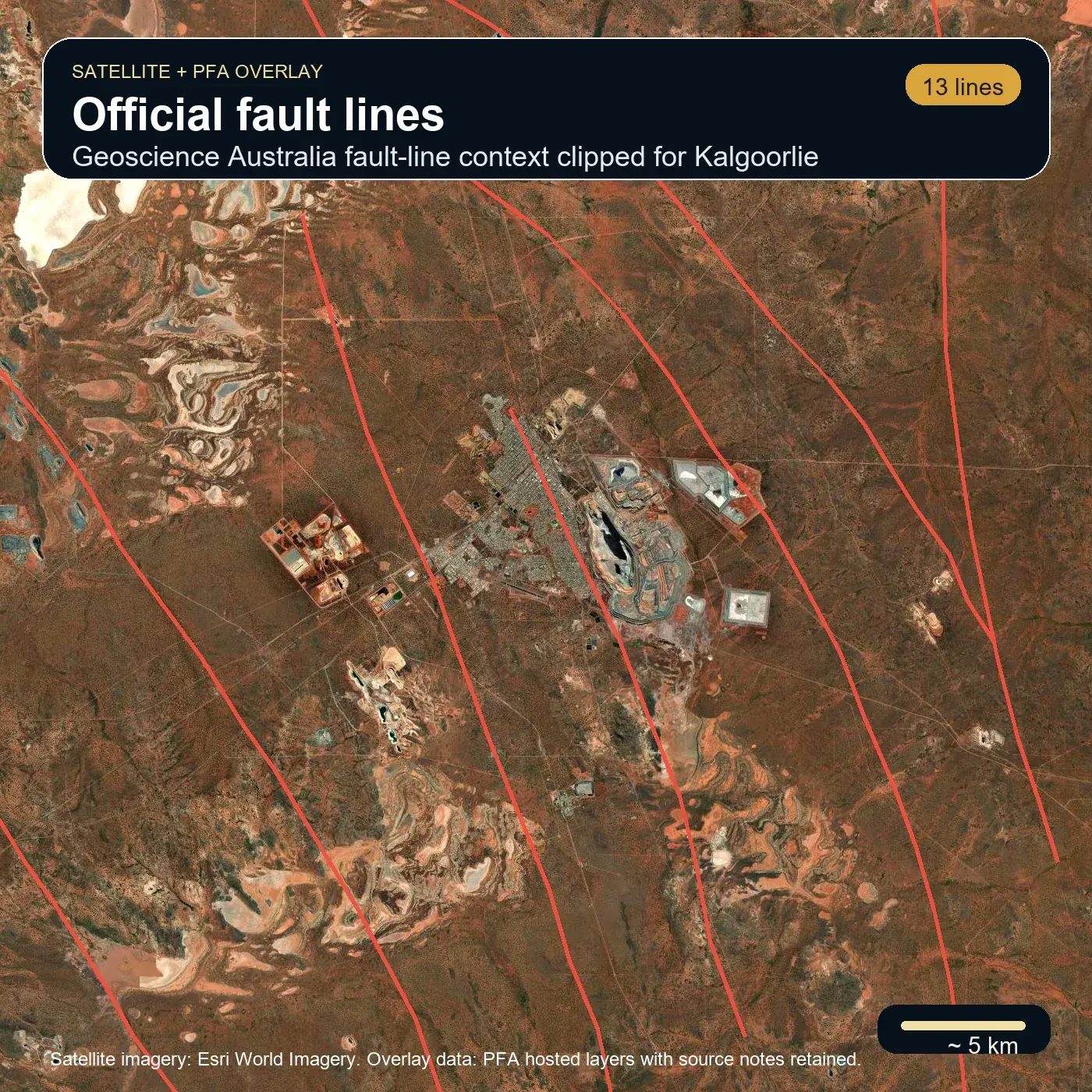
Structure
PFA uses the cleaner Geoscience Australia fault-line layer for the live product path while licence-sensitive GSWA data stays in review.
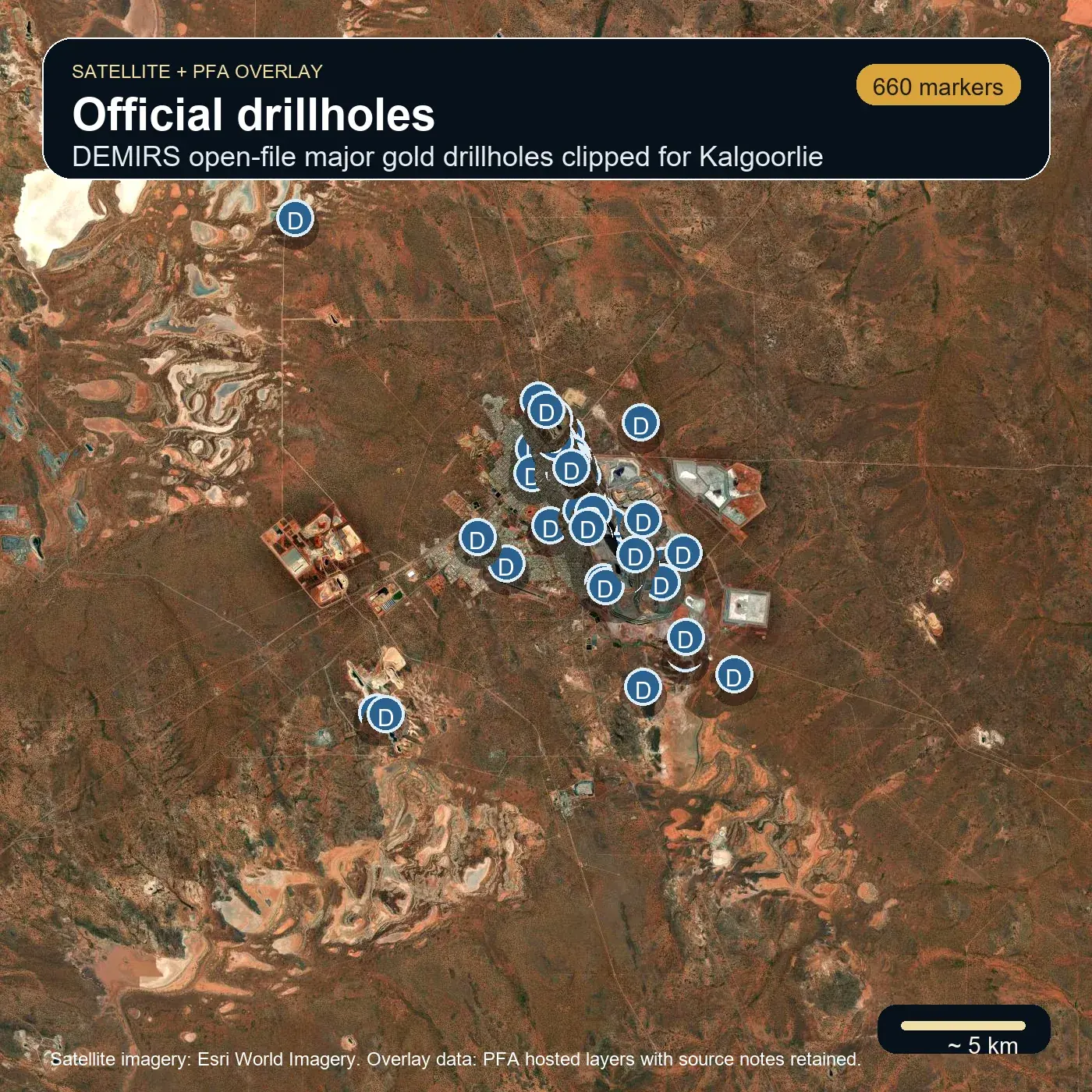
Drill context
Dense government drillhole data is clipped and filtered into a phone-friendly context layer instead of flooding the map.
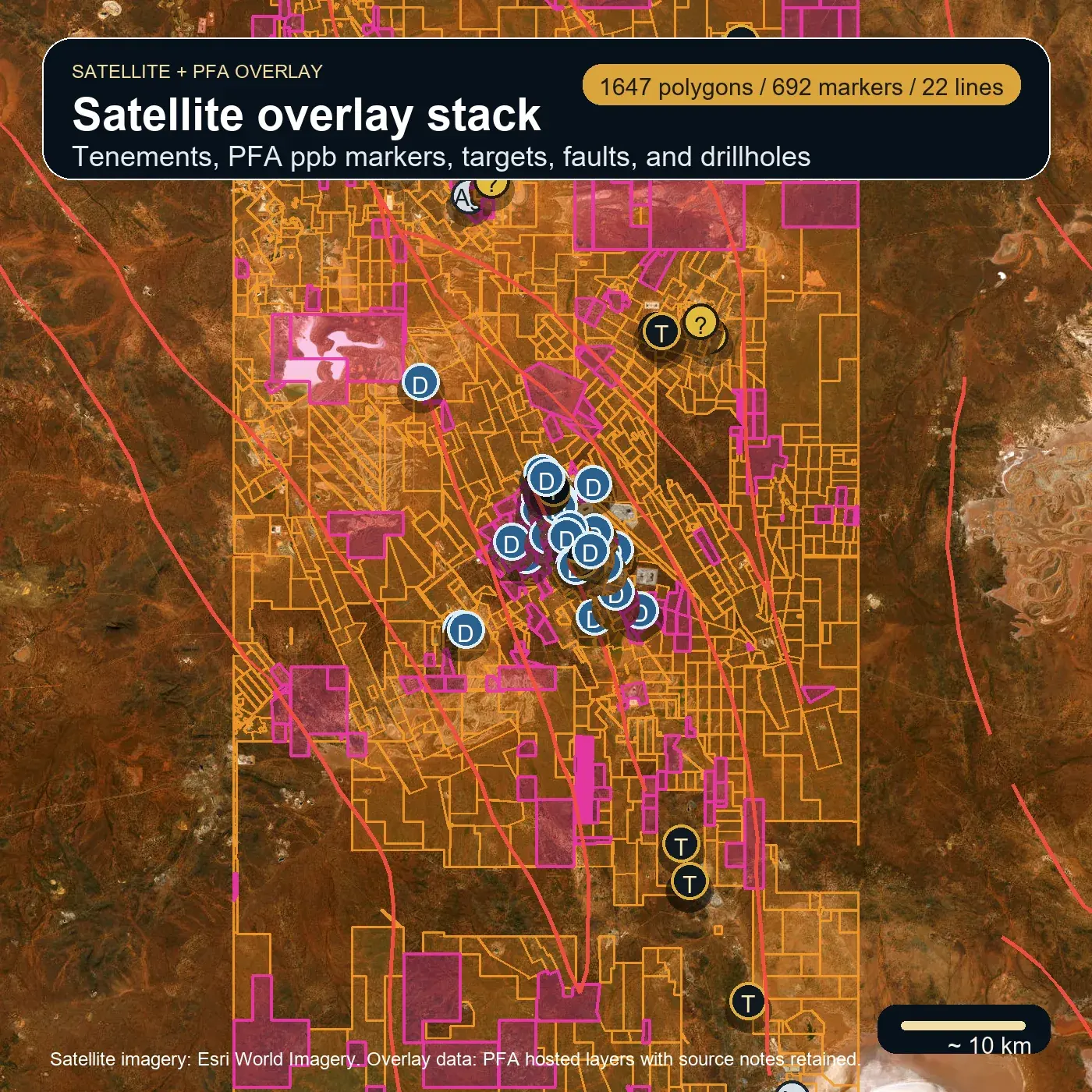
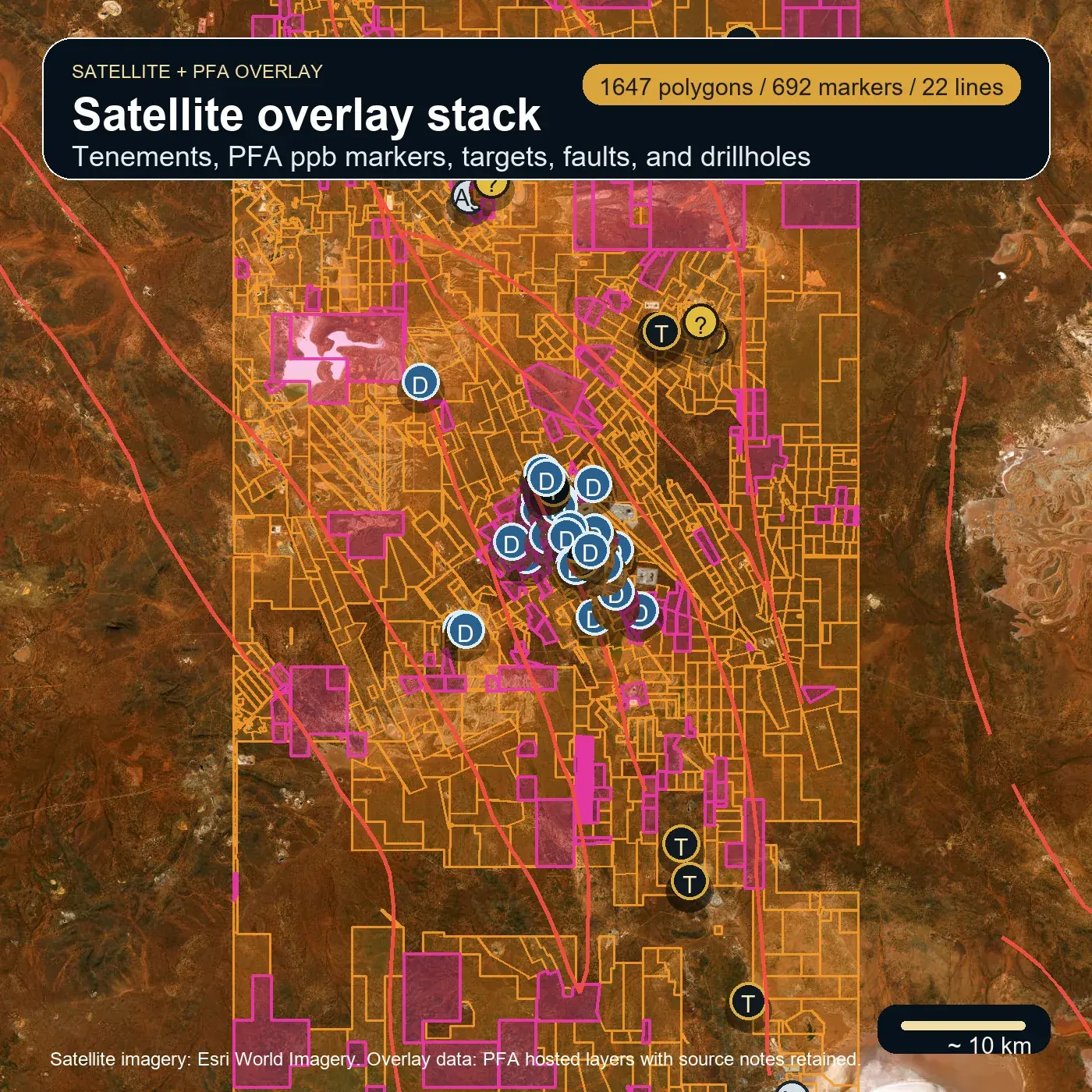
Field stack
Tenements, ppb markers, targets, faults, and drillhole context can be staged together when the user needs the full read.
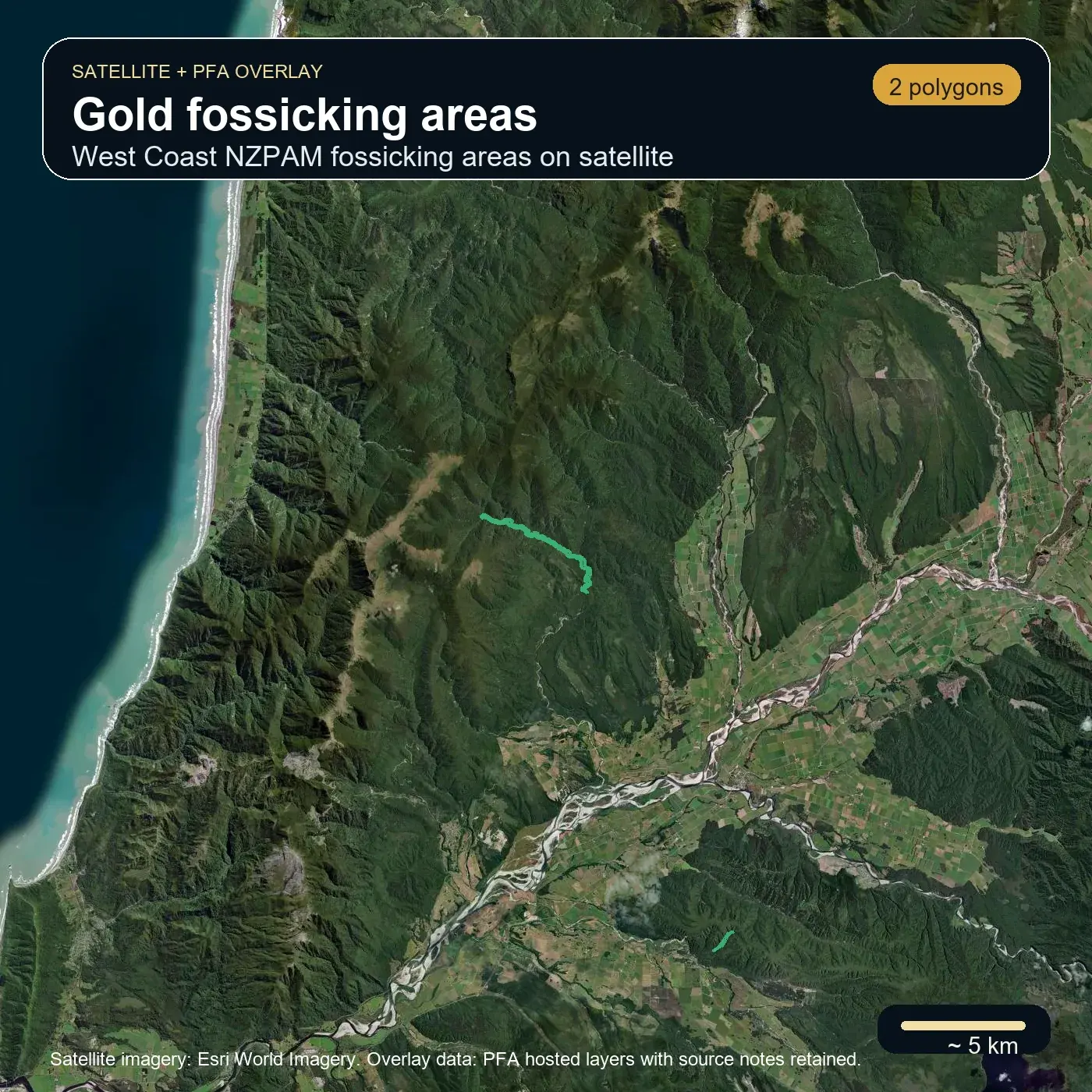
NZ official layers
The same lane supports country-specific rules, such as NZ fossicking areas and GNS structure or mineral-resource overlays.
Phone workflow
The goal is fewer dead-end taps: choose the country, open the right map lane, download only the missing layers, then move straight back to the board.
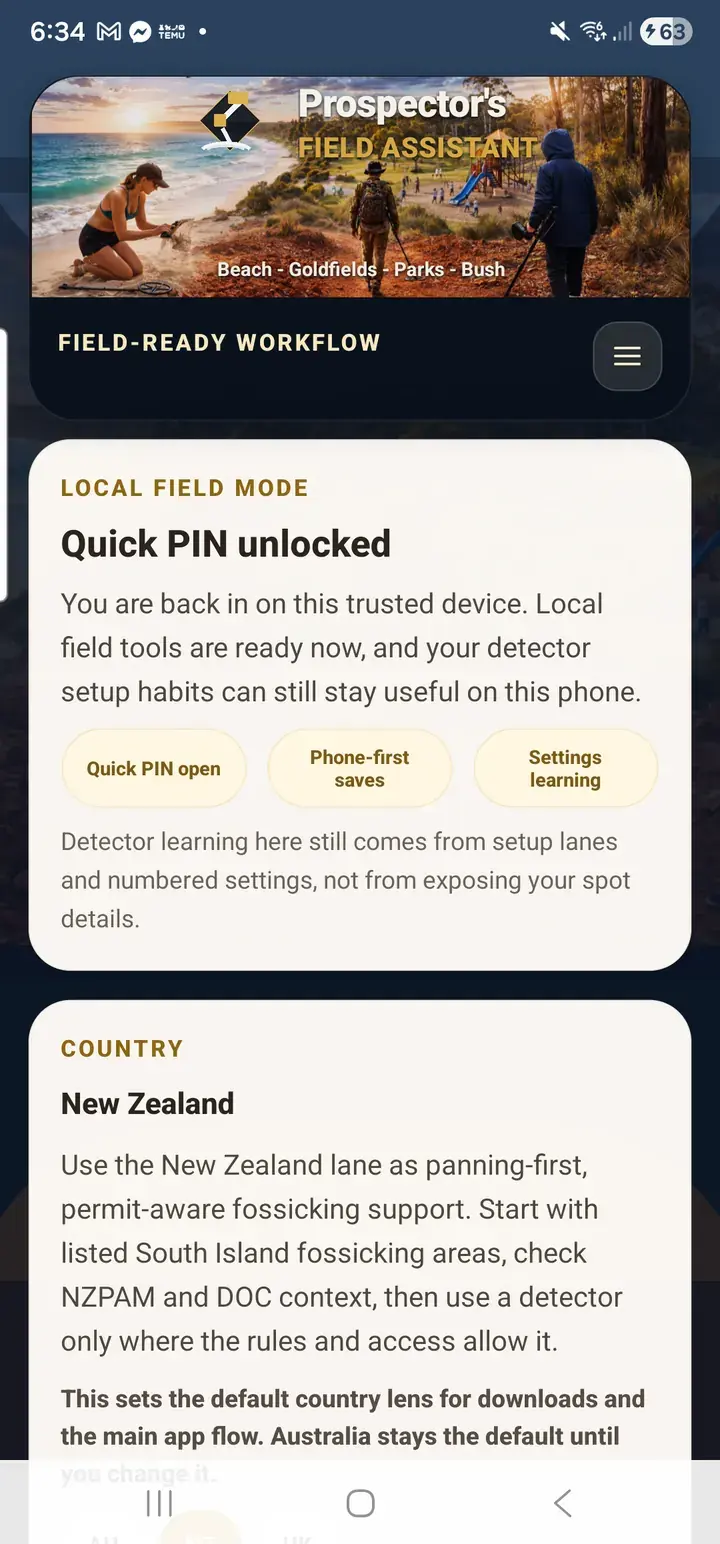
Country lens
The country choice keeps downloads, source checks, and field wording focused on the place the user is actually working.
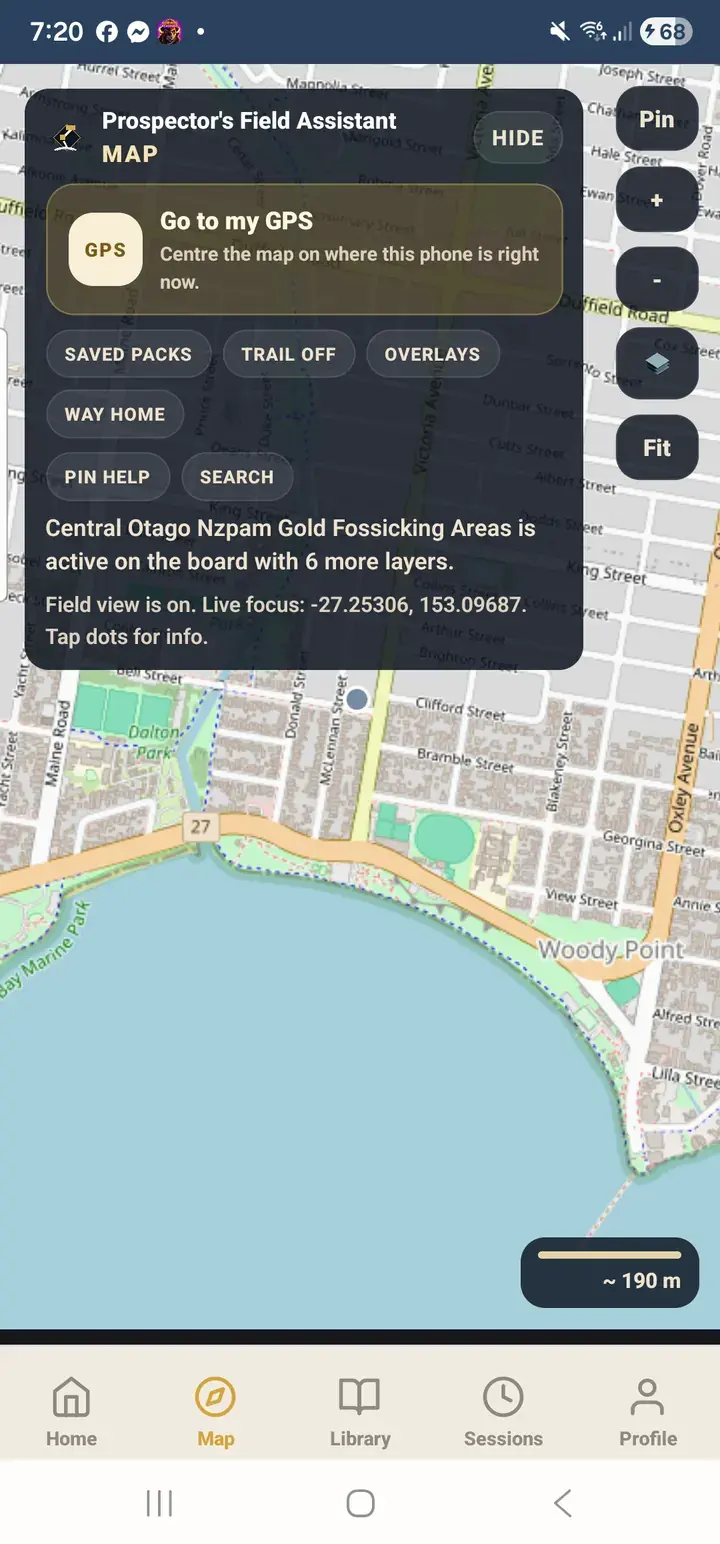
Fast map actions
The map gives users the common field moves up front instead of hiding them behind a long settings trail.
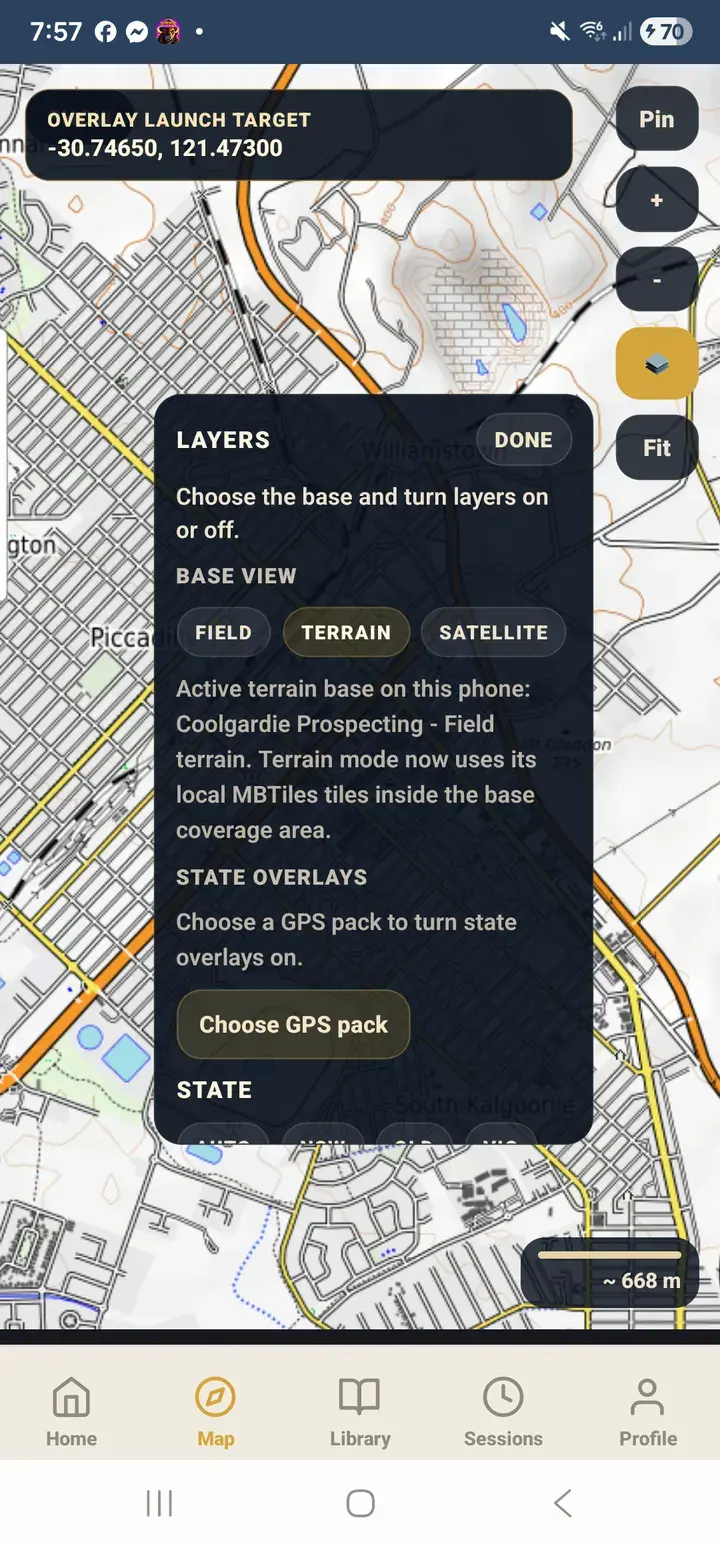
Layer control
The layer panel shows what is active, what is on the phone, and what still needs downloading for the current state or area.
NZ source checks
NZ puts fossicking, permits, conservation access, geology, and heritage cautions in the right order for that lane.
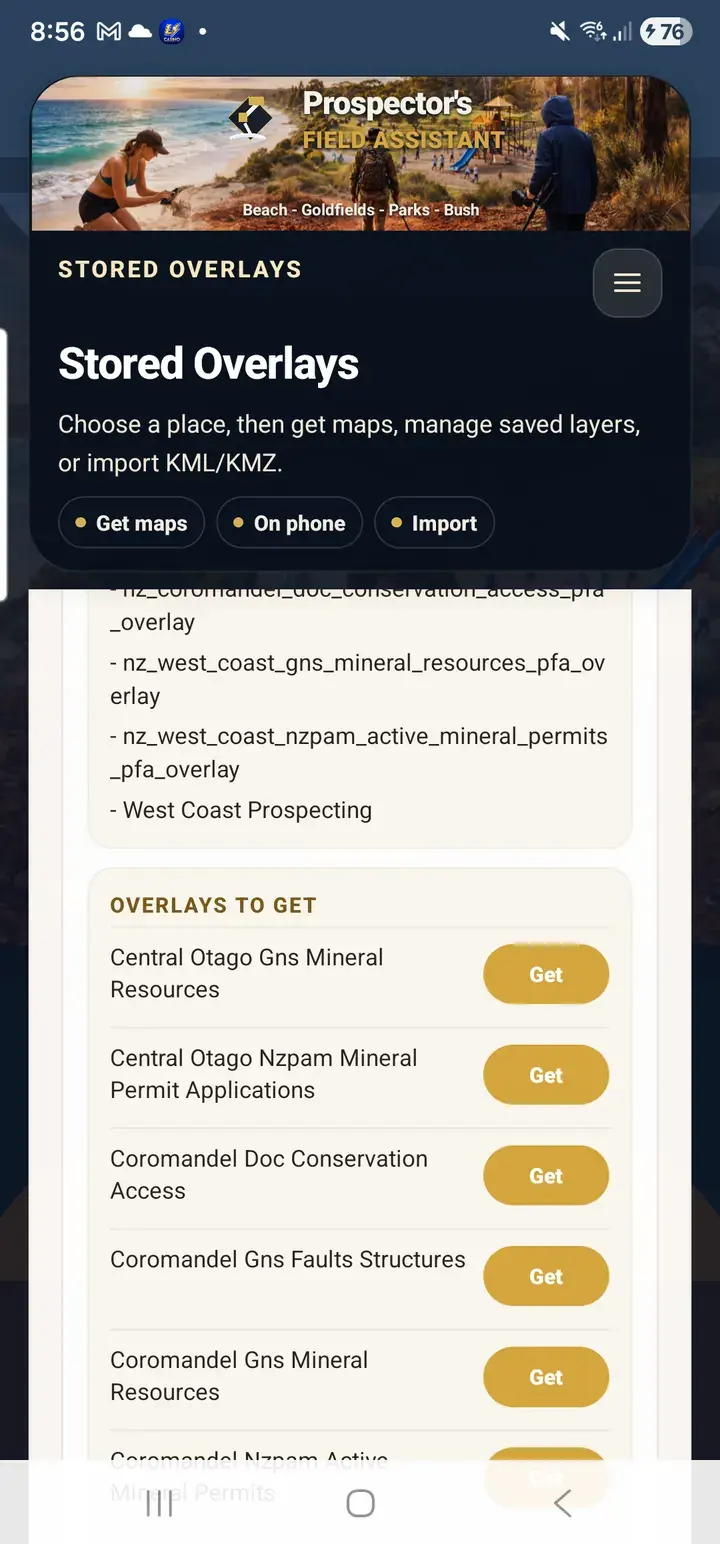
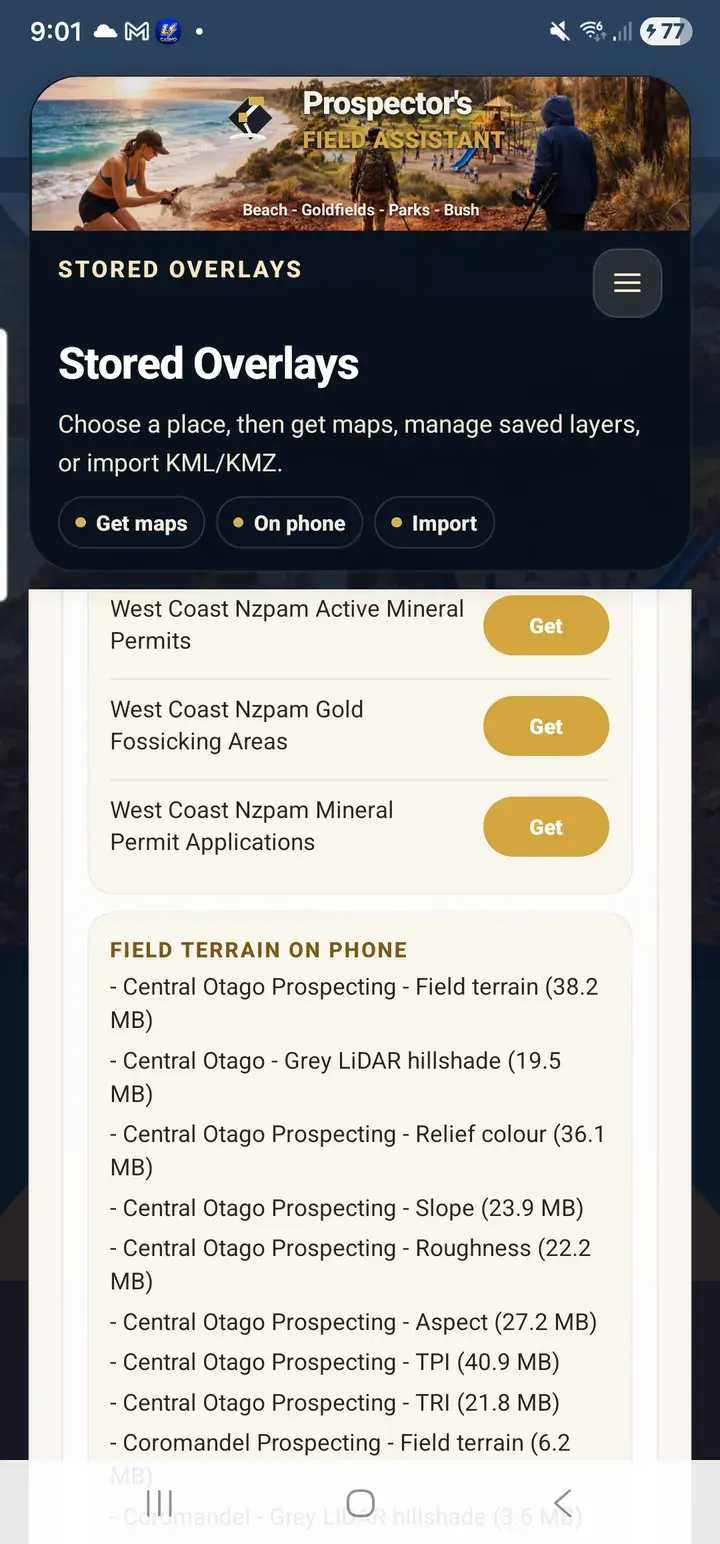
Selective downloads
Users can download individual terrain styles or overlays instead of dragging every layer onto every device.
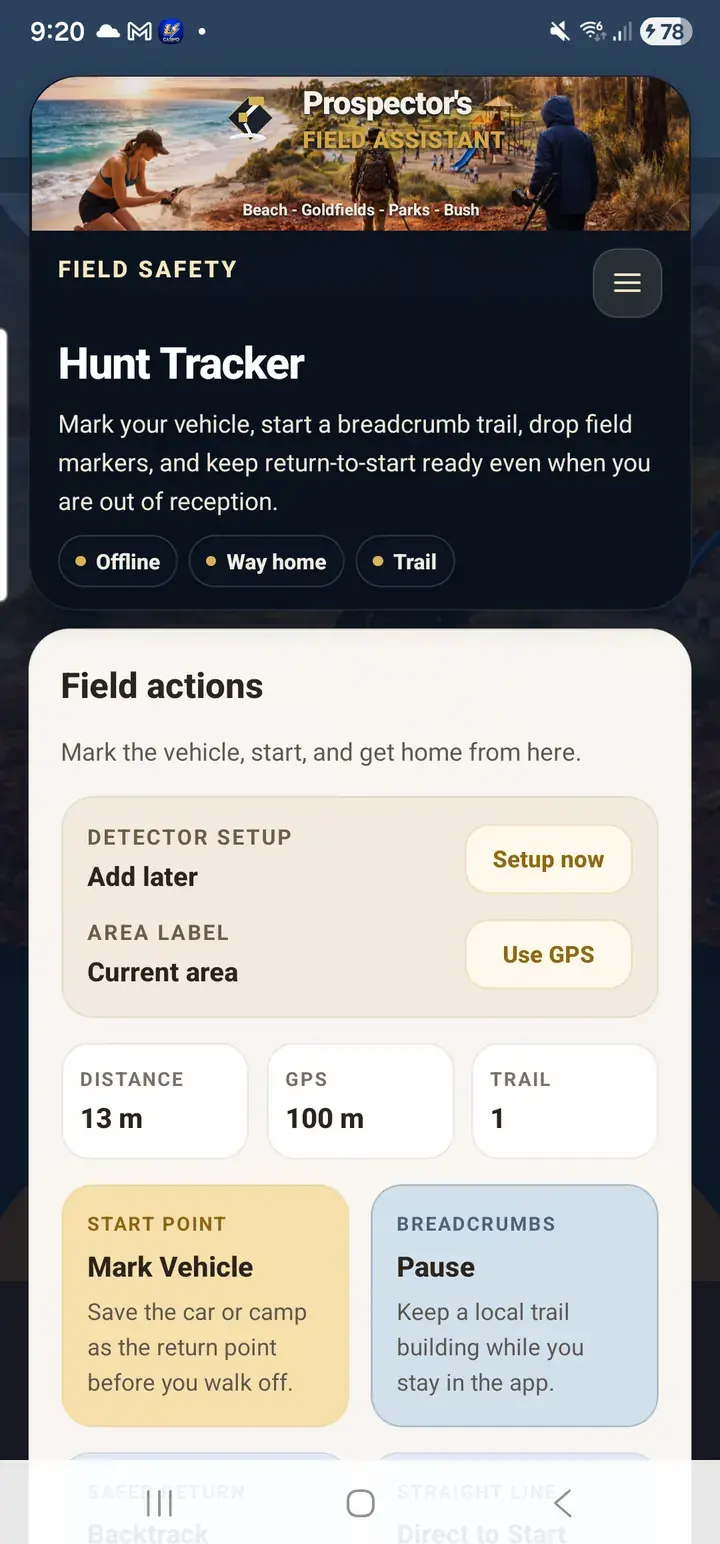
Field safety
PFA keeps the practical field path nearby: mark the vehicle, use the tracker, and get back to the saved point.
AI guidance
Use AI to help turn ground behaviour, detector responses, and field conditions into more practical setup and follow-up decisions.
Setup
Choose the detector and coil actually in your hand, then start from guidance that fits the hunt instead of a generic checklist.
Ground scan
Track hot rocks, EMI, wet soil, threshold behaviour, salt, and live field conditions before you commit to the wrong sweep pattern.
Loadouts
Keep machine setups in one place so moving from beach to bush to goldfields does not mean rebuilding your starting point from memory.
Overlays
Use state geology, magnetics, leases, and imported KML or KMZ overlays without turning the workflow into a cluttered map junk drawer.
Planned geology intelligence
A later WA-first geology-intelligence lane for searching stronger soil sample and drill results without forcing serious users to wade through raw government tables by hand.
Records
Return to the setup, field notes, and conditions that worked instead of trying to reconstruct them a week later.
Community
Share useful finds and field stories without giving away the exact details that serious detectorists still need to protect.
Access
Use Android as the live field app today, with website account access, guide pages, pricing, and support kept separate from the offline phone workflow.
Follow-up
Compare hunts, spot patterns, and start each day from a better baseline instead of repeating avoidable field mistakes.
Field knowledge
PFA's features stay focused on what the product can do: maps, overlays, setup, records, account access, and mobile handoff. The deeper visual lessons now live in the Field Guide so beginners can learn without turning this page into a manual.
Visual learning
Ground traps, LiDAR layers, ppb markers, lease watch, faults, coil control, and mineral clues are being rebuilt as PFA-native teaching cards.
Open Field GuideBuilt for field use
The platform is shaped around real field behaviour: selecting the machine, reading the ground, saving the details that matter, and improving future sessions with AI-guided field intelligence that still respects detector knowledge and real-world judgement.
Built to grow without fluff
State overlays, subscriptions, community tools, account sync, detector comparisons, WA-first soil sample and drill hole search, and stronger review tools can all expand from here without turning the product into fluff. The point is to keep building a detectorist tool that stays practical as the field intelligence gets stronger.